
Epic Web Studios CMS General Notes
Dashboard Overview
When you first log into the CMS, you'll be greeted by three key summary windows:
- Latest Modifications: Shows recent changes to the website
- Latest Administrator Activity: Tracks actions taken by admin users
- Login Activity: Displays current and recent administrator logins
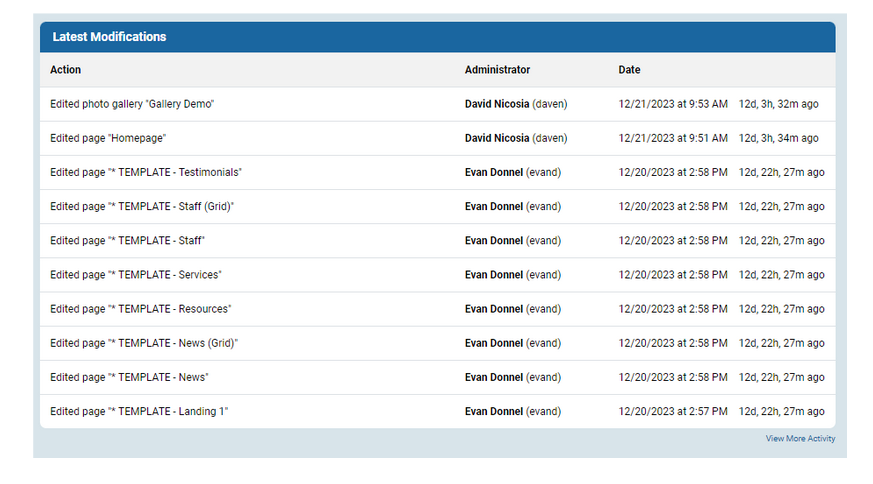
Important Note: Multiple administrators can be logged in simultaneously. Be cautious when editing the same items to prevent accidentally overwriting each other's work.
Primary Work Areas
The CMS is primarily centered around two main sections:
- Pages
- Modules
Additionally, you'll have access to site-wide Settings for comprehensive website management.
Navigation Tips
- The Site Title link in the top right corner provides quick access to the Homepage from anywhere in the backend
- There is NO auto-save functionality in the epicPlatform
Pro Tip: Save your work frequently to prevent potential loss of changes!
