
Access and Login
Accessing the Backend
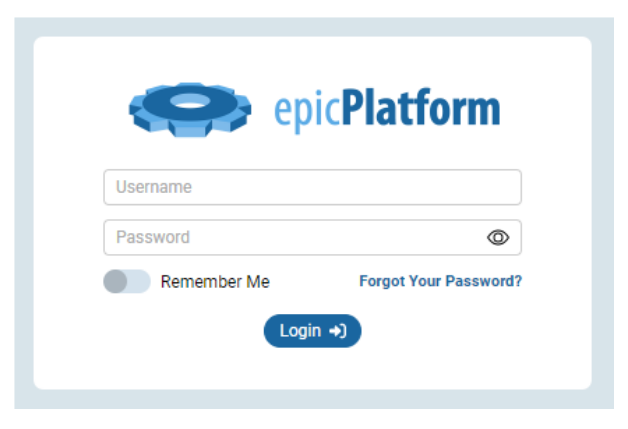
To access the administrative backend of your website, follow these simple steps:
- Navigate to your website's URL
- Add "/admin" to the end of the URL
Login URL Example
Your login URL will look like this: YourDomain.com/admin
Best Practices
When logging into your CMS, please keep the following recommendations in mind:
- Use a secure, unique password
- Do not share your login credentials
- Log out after each administrative session
- Use a secure and private internet connection
First-Time Login
If this is your first time accessing the backend, you may need to contact your Epic Web Studios representative for initial login credentials. They will provide you with a temporary password that you should change immediately upon first login.
Category: Getting Started with the EpicPlatform
Tags: admin, logging in
